Reformat anything for your iPhone.

Formatista turns the awkward stuff into the right stuff: any video your iPhone can't play becomes an MP4 saved to Photos — all on your device, all in a tap.
iPhone & iPad · iOS 26+ · Free · No account · No ads · No tracking

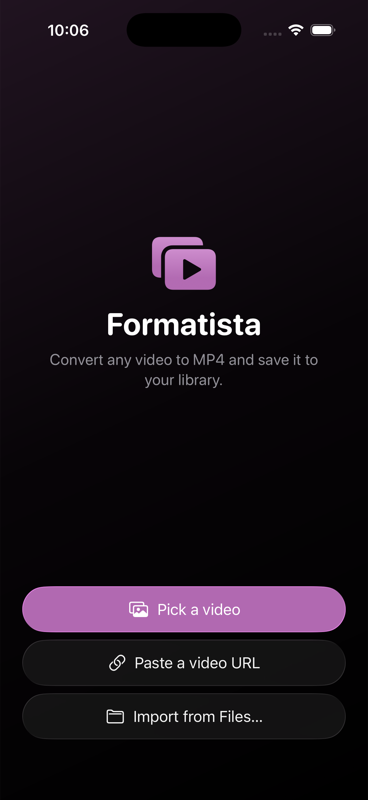
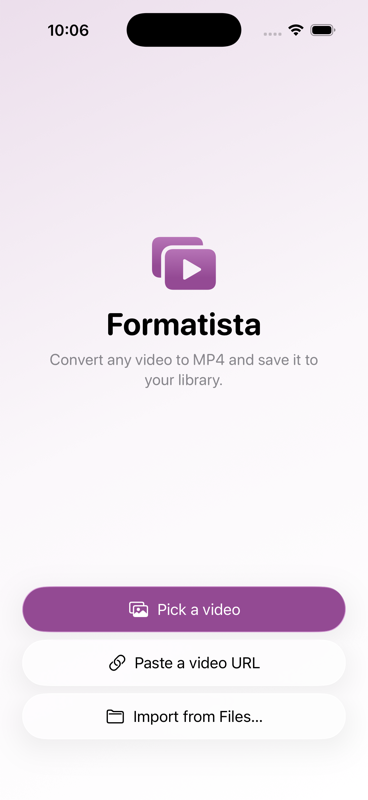
Formatista home screen showing the three source options: Pick a video, Paste a video URL, Import from Files. Formatista home screen in dark mode.
Formatista paste-a-URL sheet, with a Liquid Glass text field and a Convert button. Formatista mid-conversion: a circular progress ring, percentage, and Cancel button on a Liquid Glass surface. Formatista result screen: green check, file size, and three quick actions — Save to Photos, Share, Convert another.
Formatista options sheet showing Quality presets, an Advanced disclosure for resolution / bitrate / codec, a Transform card with rotation chips, and an Audio-only toggle — all in Liquid Glass cards.

Simple by default — advanced when you need it. Resolution, bitrate, codec, rotation, crop, trim, and audio-only extraction are all one tap away.

How it works

  1. 1 — Pick what you've got

    A weird video file from Photos, Files, or a URL.

  2. 2 — Formatista does the work, on-device

    Apple-native engines when it can, full ffmpeg when it must. Nothing leaves your iPhone.

  3. 3 — Lands where it belongs

    Your MP4 lands in Photos — or audio in Files. Done.

Formats we handle

WMV AVI MKV FLV WebM MOV 3GP MPEG

Video comes out as MP4 (H.264 or HEVC + AAC) — the format Photos and every Apple device speak natively. Audio-only extractions come out as M4A.

Built with privacy in mind